
Compress, Merge and Sign PDFs Without Uploading Sensitive Files
Why office documents should not be dropped into random online converters, and which offline-first workflows keep your data on your own machine.
Last updated: 15 June 2026
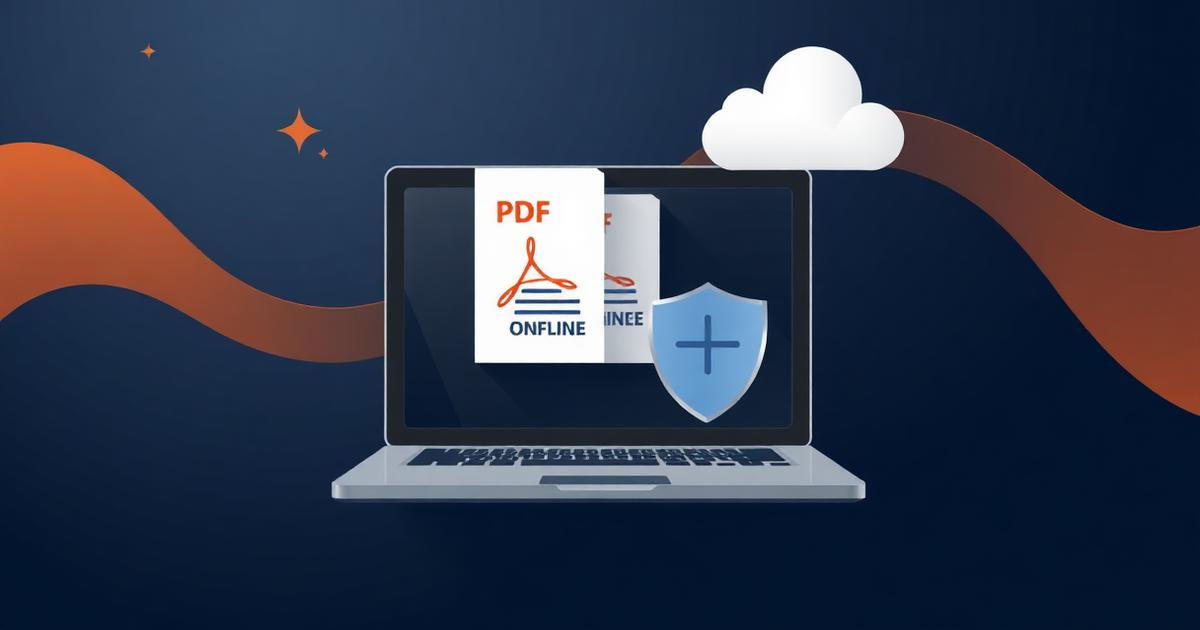
A free online converter is convenient, but an official note, tender document or service record uploaded to an unknown server has left your control permanently. Prefer workflows where the file never leaves the machine.
Why the risk is real
Uploaded files may be retained, logged, indexed or processed by third parties in unknown jurisdictions. For anything marked official, internal or personal, that is an unacceptable exposure — and it can breach your own department's data-handling instructions.
Offline-first alternatives
These cover the vast majority of everyday document work.
- Merge and reorder pages: a desktop PDF reader with page-organise features, or an open-source desktop tool.
- Compress: print or export to PDF at a lower DPI, or use a desktop optimiser rather than a web service.
- Convert from Office: use the built-in Save as PDF / Export in the office suite itself.
- Sign: use your DSC with the department-approved signer utility, which works locally.
If you must use an online tool
Restrict it to genuinely public, non-sensitive material. Check that the service states automatic deletion, avoid signing in with official credentials, and never upload anything containing personal data of others.
Informational guidance only — not official instructions from RDSO, Indian Railways or NIC. See our disclaimer. Back to all articles